Working with a specific static site generator?
Customize CloudCannon's documentation to suit your SSG.
Great! We'll show you documentation relevant to .
You can change this any time using the dropdown in the navigation bar.
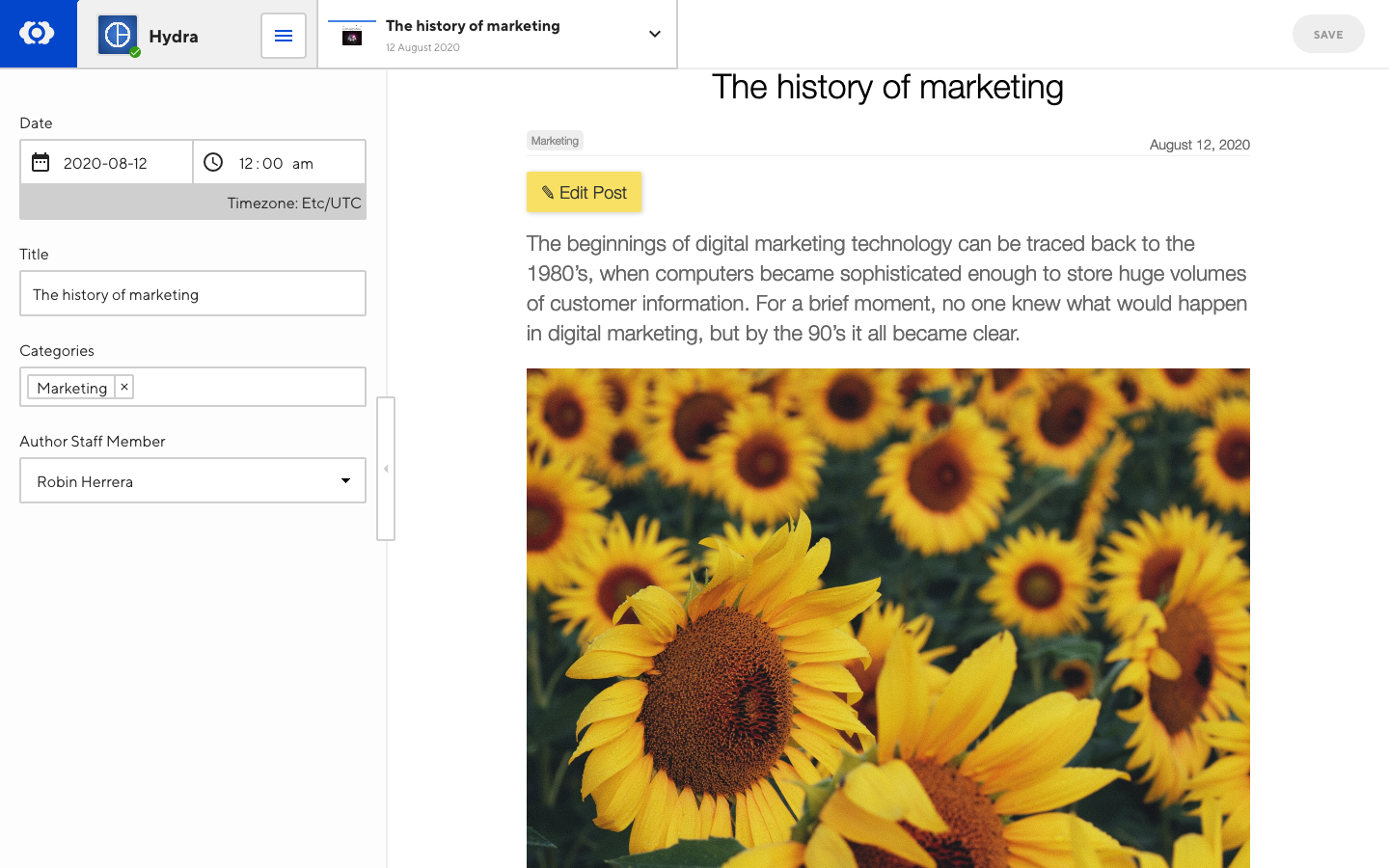
Editor Links allow you to link to other sections of the CloudCannon interface from within the Visual Editor. Use them to create edit buttons for your collection items and blog posts to quickly navigate the app. You can also add front matter Editor Links to open the front matter Editor at specified fields.
Editor Links are using the CloudCannon link protocol.
Linking to front matter#
Create a link to open a data editor at a specific input:
<!-- Inputs -->
<a href="cloudcannon:#title">
  Edit the title
</a>

<!-- Arrays -->
<a href="cloudcannon:#array[1]">
  Edit the first array item
</a>

<a href="cloudcannon:#array[+]">
  Create a new item in an array
</a>

<!-- Inputs within an Object -->
<a href="cloudcannon:#object.title">
  Edit a variable within an object
</a>

<a href="cloudcannon:#object.array">
  Edit an array within an object
</a>

<!-- Inputs within an Array inside an Object -->
<a href="cloudcannon:#object.array[0].title">
  Edit the title of the first array item within an object
</a>
You can edit hidden inputs by using popout-style editor links.
Open the sidebar instead#
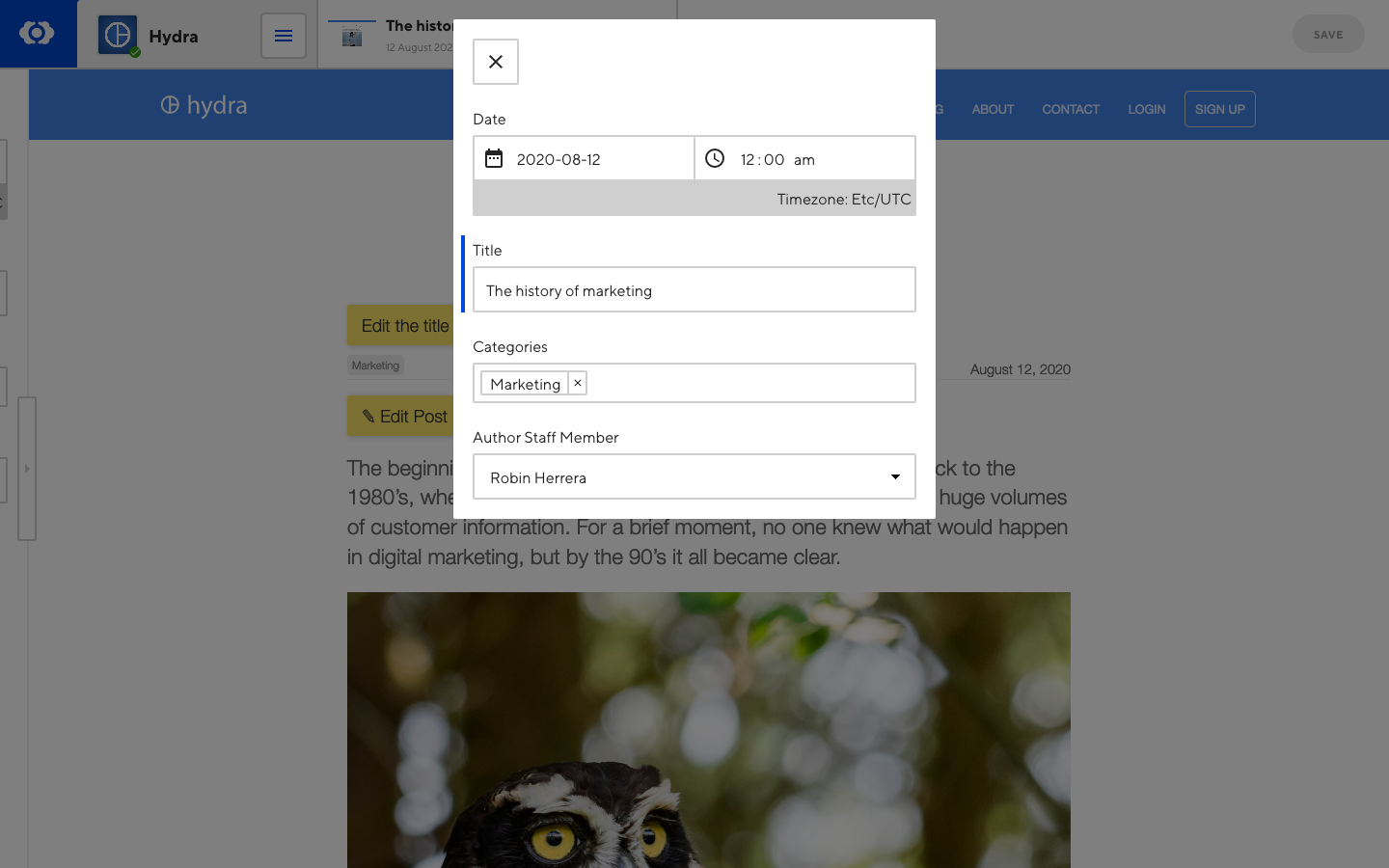
Front matter can be highlighted within the data editor in the sidebar, or displayed standalone in a panel (default). To change open an editor link in the sidebar:
- Add the
data-cms-bind-styleattribute - Set the attribute’s value to sidebar (optional)
<a href="cloudcannon:#title" data-cms-bind-style="sidebar">
  Edit the title
</a>
Linking to other views#
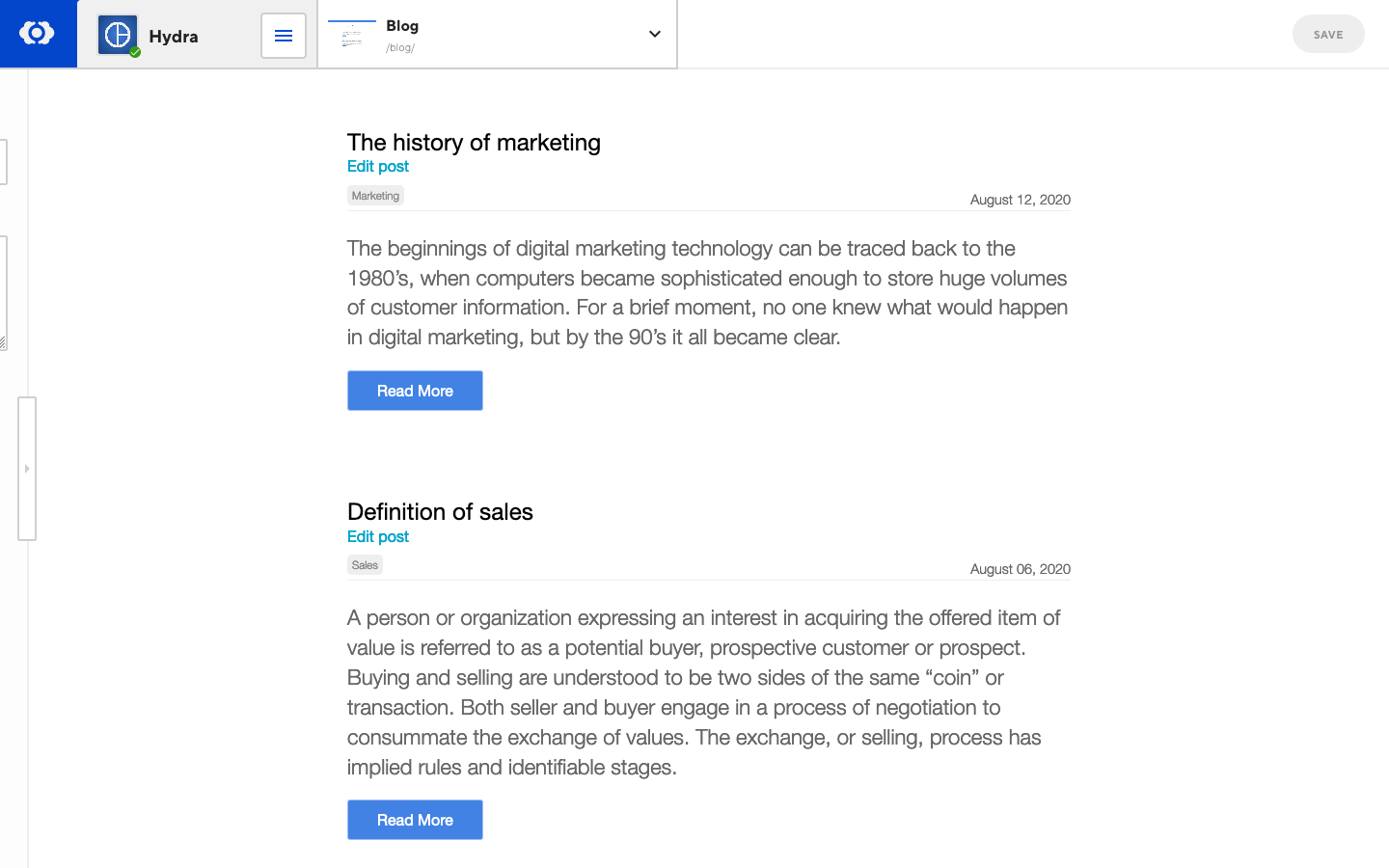
To have edit links for posts in a list, add an Editor Link in the blog post loop:
<a href="cloudcannon:collections/staff">
  Edit all staff
</a>

<a href="cloudcannon:collections/staff/jane-doe.md">
  Edit Jane Doe
</a>

<a href="cloudcannon:collections/posts/welcome-post.md">
  Edit Welcome Post
</a>

<a href="cloudcannon:status">
  Link to Site Status and Recent Activity
</a>
Front matter Editor Links are prefixed with cloudcannon:# and use a common syntax to reference them, for example:
<!-- Inputs -->
<a href="cloudcannon:#title">
  Edit the title
</a>

<!-- Arrays -->
<a href="cloudcannon:#array[1]">
  Edit the first array item
</a>

<a href="cloudcannon:#array[+]">
  Create a new item in an array
</a>

<!-- Inputs within an Object -->
<a href="cloudcannon:#object.title">
  Edit a variable within an object
</a>

<a href="cloudcannon:#object.array">
  Edit an array within an object
</a>

<!-- Inputs within an Array inside an Object -->
<a href="cloudcannon:#object.array[0].title">
  Edit the title of the first array item within an object
</a>
Posts Example#
To have edit links for posts in a list, add an Editor Link in the blog post loop:
specific doc
<ul class="blog-posts">
  {% for post in site.posts %}
    <li class="blog-post">
      <h3>{{ post.title }}</h3>
      <!-- Editor Link -->
      <a href="cloudcannon:collections/{{ post.path }}" class="editor-link">Edit post</a>
      <p>{{ post.excerpt }}</p>
      <a href="{{ post.url }}">Read more</a>
    </li>
  {% endfor %}
</ul>
specific doc
<ul class="blog-posts">
  {{ range .Pages }}
    <li class="blog-post">
      <h3>{{ .Title }}</h3>
      <!-- Editor Link -->
      <a href="cloudcannon:/collections/content/{{ .File.Path }}" class="editor-link">Edit post</a>
      <p>{{ .Summary }}</p>
      <a href="{{ .RelPermalink }}">Read more</a>
    </li>
  {{ end }}
</ul>
specific doc
<ul class="blog-posts">
  {% for post in collections.posts %}
    <li class="blog-post">
      <h3>{{ post.title }}</h3>
      <!-- Editor Link -->
      <a href="cloudcannon:/collections/content/{{ .File.Path }}" class="editor-link">Edit post</a>
      <p>{{ post.excerpt }}</p>
      <a href="{{ post.url }}">Read more</a>

      <!-- Editor Link -->
      <a href="cloudcannon:collections/{{ post.inputPath | replace('./', '') }}" class="editor-link">Edit post</a>
    </li>
  {% endfor %}
</ul>
specific doc
See other SSG examples and implement with your SSG's templating.
Collection example#
To have an edit link on a collection item page, add the following to the page:
specific doc
<a href="cloudcannon:collections/{{ page.relative_path }}" class="editor-link">Edit</a>
If you are using a custom collections_dir include site.collections_dir in your editor link:
<a href="cloudcannon:collections/{{ site.collections_dir }}/{{ page.relative_path }}" class="editor-link">Edit</a>
When generating Editor Links in Jekyll, collection items should use relative_path, while posts and pages should use path.
specific doc
<a href="cloudcannon:collections/content/{{ .File.Path }}" class="editor-link">Edit</a>
Replace 'content' in the href above with the name of your content directory.
specific doc
<a href="cloudcannon:collections/{{ page.inputPath | replace('./', '') }}" class="editor-link">Edit</a>
specific doc
See other SSG examples and implement with your SSG's templating.