Working with a specific static site generator?
Customize CloudCannon's documentation to suit your SSG.
Great! We'll show you documentation relevant to .
You can change this any time using the dropdown in the navigation bar.
Turn off authentication for your site.
By default, your site has no authentication set up. This allows anyone to view your site.
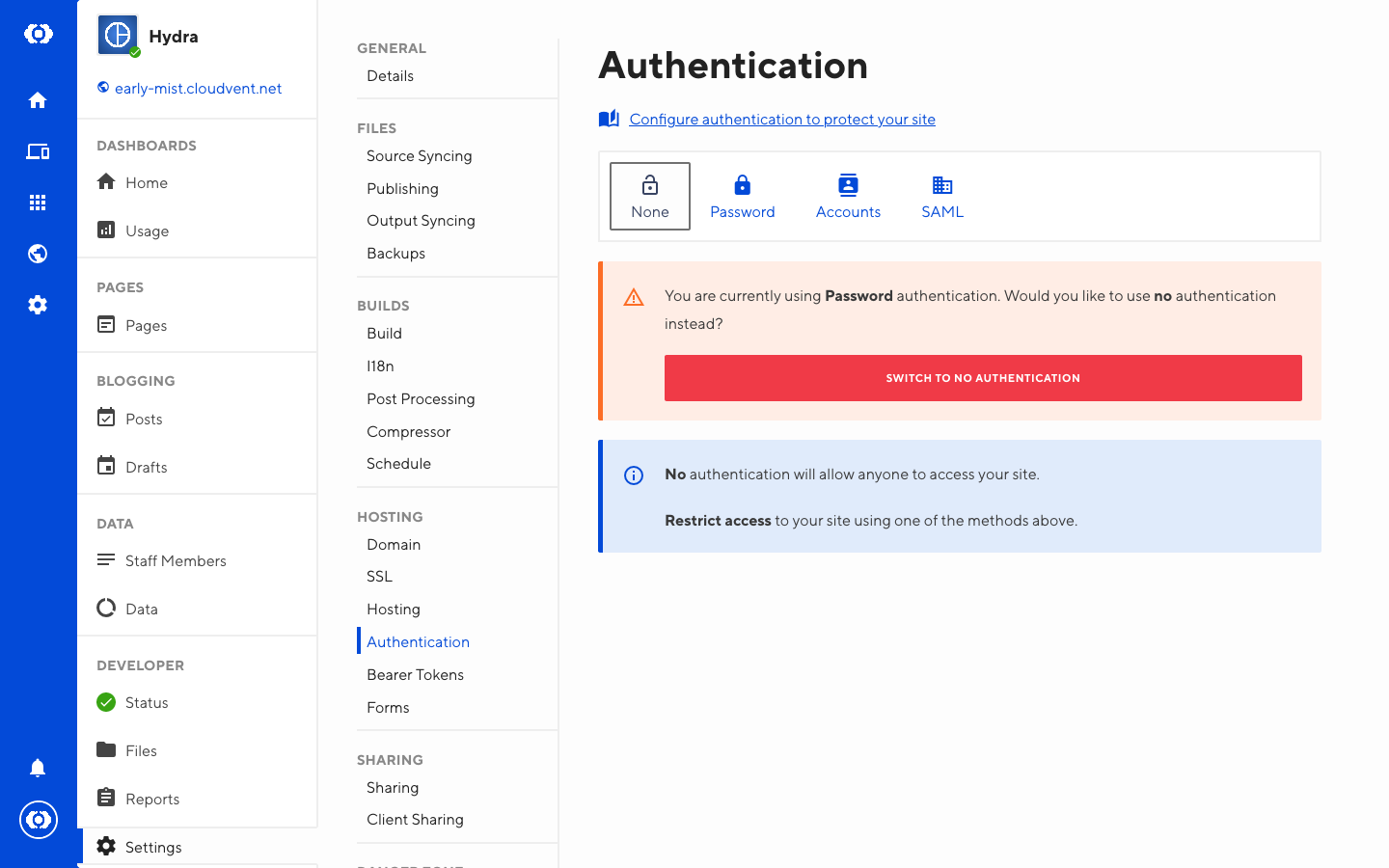
To remove authentication for your site:
- Go to the Site Settings / Authentication section
- Select None and click Switch to no authentication