Working with a specific static site generator?
Customize CloudCannon's documentation to suit your SSG.
Great! We'll show you documentation relevant to .
You can change this any time using the dropdown in the navigation bar.
Restrict access to your site by using a third-party login service.
CloudCannon uses SAML to authenticate visitors to your website using your organization’s identity provider.
To set up SAML account authentication for your site:
- Go to the Site Settings / Authentication section
- Select SAML and click Switch to SAML authentication
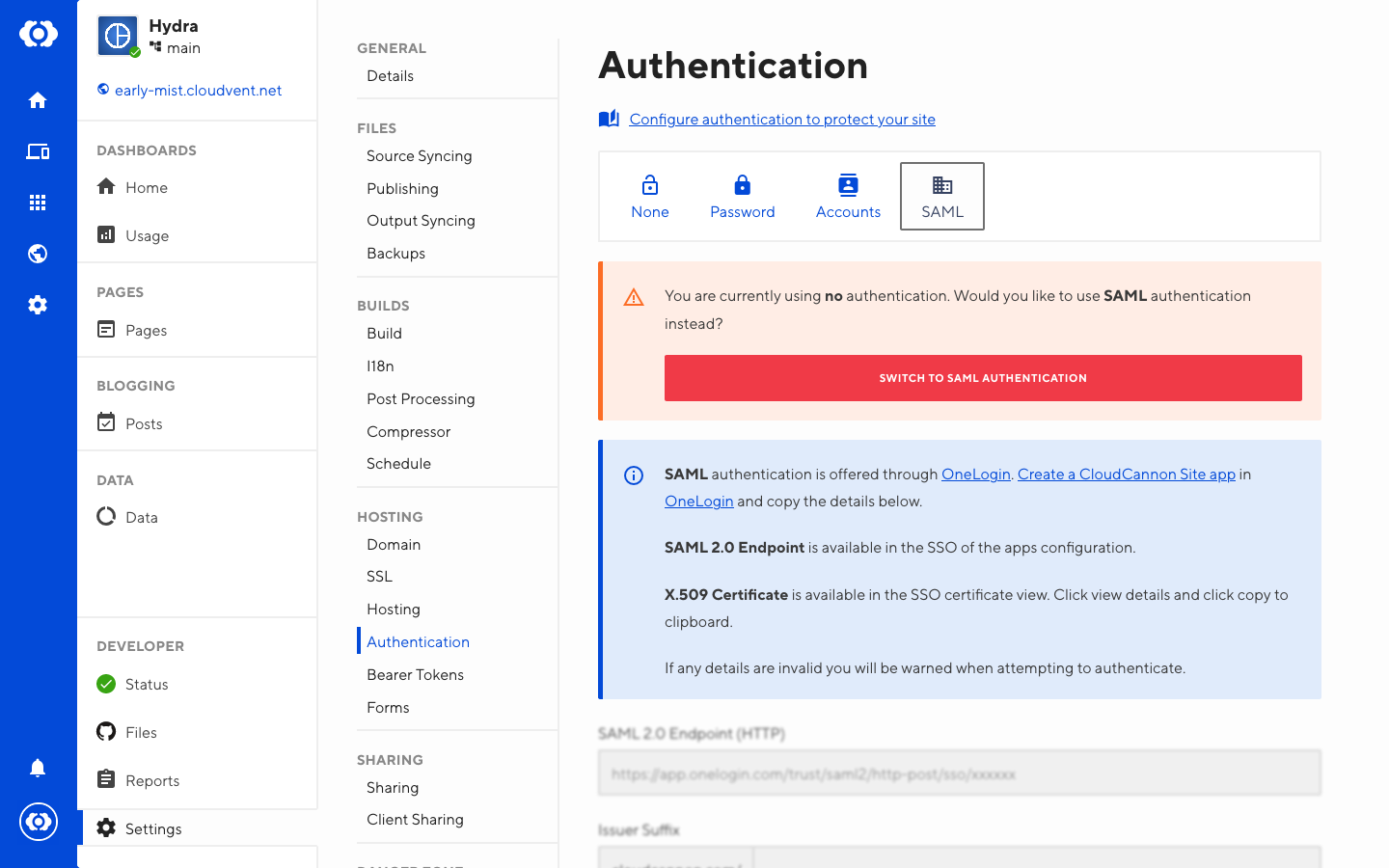
To configure SAML authentication:
- Create a CloudCannon Site App in OneLogin (or generate credentials using your SSO provider of choice)
- Copy your SSO details to the relevant fields in Site Settings / Authentication / SAML
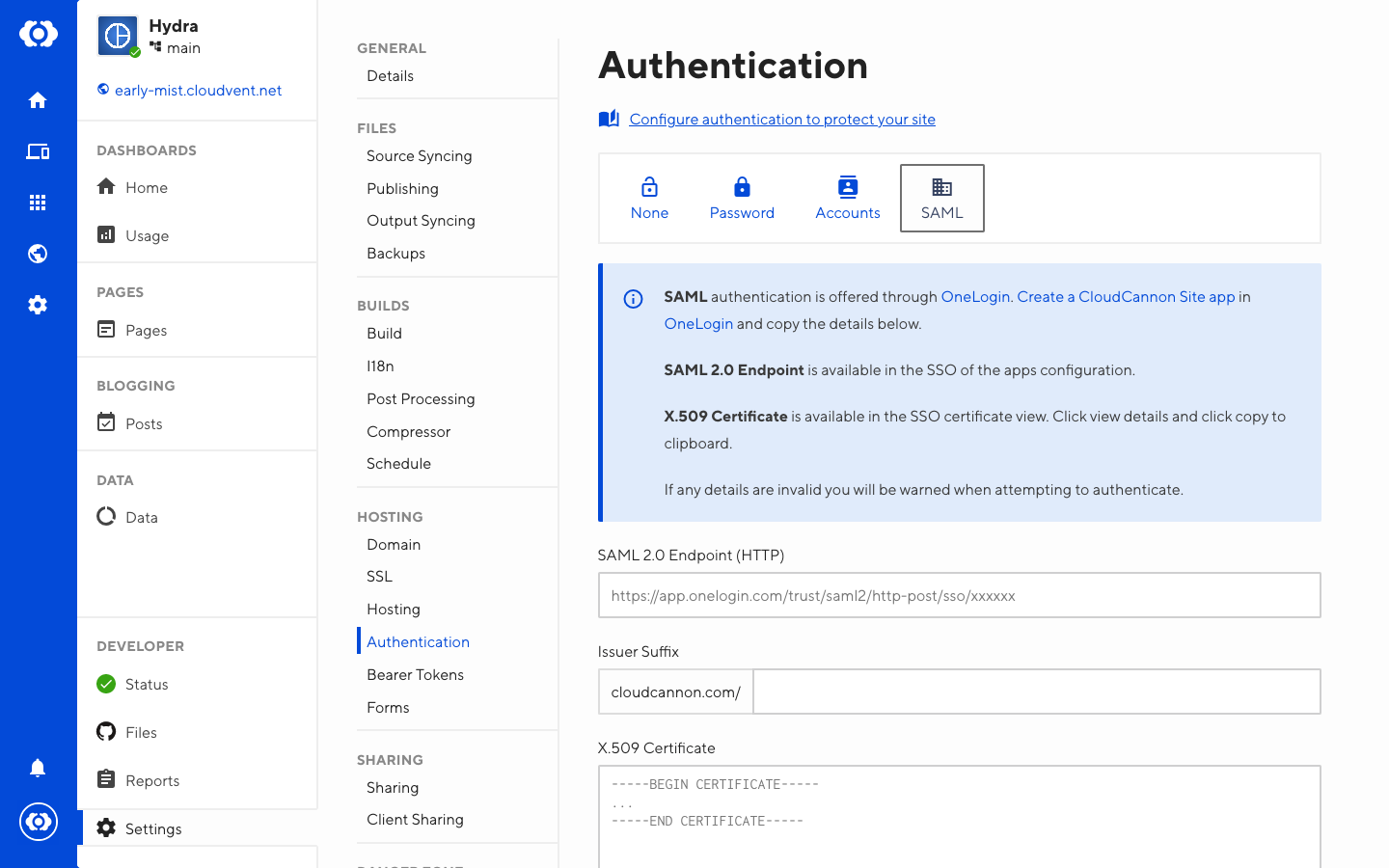
Visitors to your site now need to authenticate as a member of your organization before viewing the site.